PLN Denies Tariff Hike as Customers Complain of High Bills
Reporter
June 2, 2026 | 05:47 pm
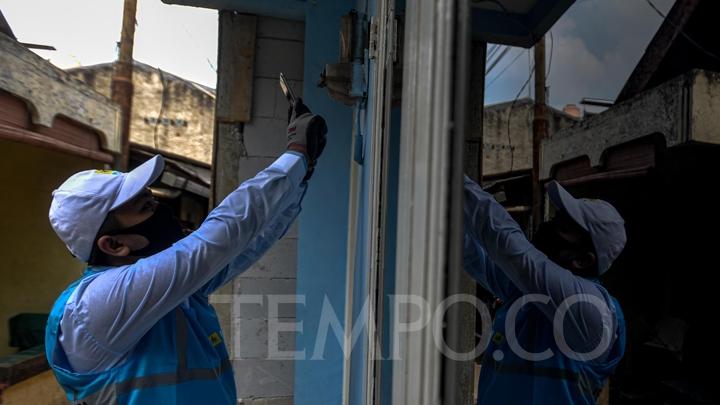
TEMPO.CO, Jakarta - State electricity company PLN stated that there was no increase in electricity tariffs, following determinations by the Ministry of Energy and Mineral Resources. Gregorius Adi Trianto, the Executive Vice President of Corporate Communication and Social and Environmental Responsibility at PLN, mentioned that the electricity tariff remains unchanged for the April-June 2026 period compared to the previous quarter.
"PLN asserts that there is no increase in the electricity tariff," said Gregorius, as quoted by Antara on Tuesday, June 2, 2026. The statement was made in response to allegations of electricity tariff hikes circulating on social media.
Gregorius explained that the increase in electricity bills experienced by some customers may be influenced by changes in consumption patterns due to several factors, such as weather conditions, rising temperatures, and increased household activities. "The increased activities at home lead to increased use of customers' daily electrical appliances," he said.
He stated that the public can monitor their token purchase history and electricity bill payments independently. Self-monitoring can be done through the PLN Mobile application to understand and manage electricity usage patterns more efficiently.
In addition, PLN also continues to urge customers to use electricity safely and wisely, including by periodically inspecting home electrical installations and unplugging electronic devices that are not in use to keep energy consumption under control.
Previously, several social media users complained about an increase in electricity bills of up to 100 percent, accompanied by a surge in total energy consumption. They claimed that they did not alter their electricity usage patterns or add new electronic devices. Meanwhile, some other users stated that their electricity bills tended to remain stable and did not experience any surges.
Furthermore, to check usage history through PLN Mobile, the public can open the application and select the "Token and Payment" menu on the homepage.
Next, click the "Add Customer ID" button (if not yet registered), enter the Customer ID, and then select "Usage History" for postpaid customers or "Token Purchase History" for prepaid users.
Read: PLN Must Compensate Sumatra Customers for Massive Outage, Says LBH
Click here to get the latest news updates from Tempo on Google News